
Undertale Multiverse Simulator UMS 1.5 Tools
Checklists for soul brackets and a three-device controls sheet.
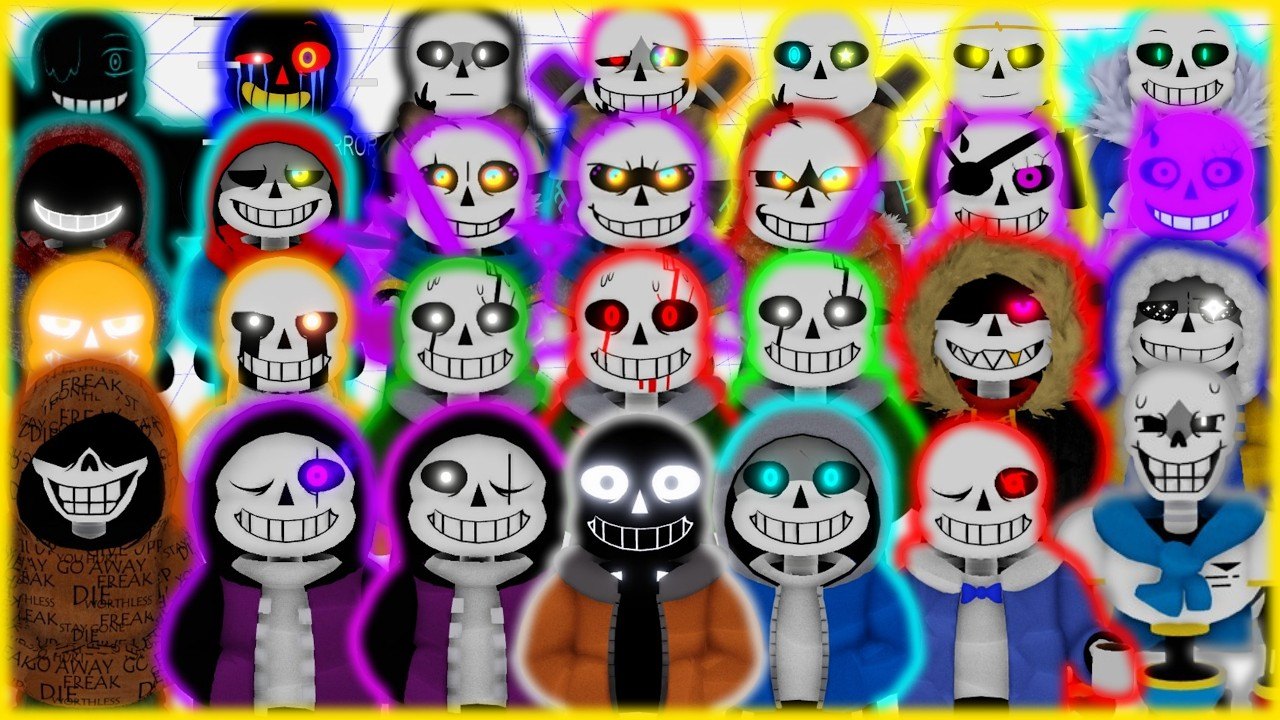
Undertale Multiverse Simulator 1.5 does not need a luck calculator. It needs two practical sheets: how many souls the next kit actually costs, and which buttons the live file documented. This hub points at those sheets so you do not dump a 200k pile into the wrong AU or tap R in a fight because you thought it was a phase key.
Open the two tools first, then jump back to guides when you need a route instead of a table.
Soul unlock checklist
The soul unlock checklist is the spend planner. It splits the grind into four brackets:
- 0–10k — free Sans through the cheap starter wall
- 10k–200k — late starters up to Storyshift, labeled from the original wiki because 1.5 still uses that on-ramp
- 200k–1M — Photonegative, Epic, SwapDust, GT, Toxin, trios, Dusttrust, Revert
- 1M–3M — Hyper Revert, Dream, Nightmare, Ink, Error, Pesti plus badge, Divine DustDust, Obsessed Monster
Use it before you buy. 1.5 prices in the stronger rooms are specific: Photonegative at 200k, Bad Time Trio at 585k, Cross at 900k, Hyper Revert at 1,377,777, Pesti at 2M plus the badge, Obsessed Monster at 2.9M. Phases are extra soul prices, not a hidden key. If a kit lists 250k / 400k, that is Epic’s two checks, not a glitch.
Pair the checklist with the soul grinding route so the hours match the prices, the starter roster so you know what the 0–150k room holds, and the stronger zone so you know which portal you are paying to enter. Event names on the sheet — Pesti, Obsessed Monster — also live on the event roster and the Pesti fight guide.
Community pace after the 200k rooms is about a day per million souls. The checklist exists so that day buys a kit you will still play tomorrow. The tier list is the taste test after you see the number.
Controls cheatsheet
The controls cheatsheet is the three-device table: PC, mobile, and gamepad. The live Roblox description only locks in three 1.5-specific facts — R lowers your own HP, Z opens the emote wheel, gamepad shiftlock is X. Everything else is standard Roblox movement plus the kit’s on-screen ability cluster.
Read the sheet once in the lobby. R is not evolve. Z is not a secret shop. If you need the long explanation of camera, shiftlock, and mobile HUD clutter, the full controls guide is the sibling article. New players should do both after getting started.
How to use these tools in one session
- Join the 1.5 place. Souls from the hacked original do not transfer. Skim version 1.5 if the lobby looks wrong.
- Warm up with the controls cheatsheet so you can actually move, emote, and avoid self-downing with R.
- Grab a cheap kit from starter characters and follow getting started.
- Grind on the soul route until the next number on the unlock checklist is in reach.
- Cross-check that number on the tier list and the matching roster page before you spend.
- After a patch, glance at updates in case a price moved. Do not wait on codes — there is no verified list as of September 2026.
Skip scripts unless you are reading the warning. Auto-farm will not make the checklist cheaper.
What this hub is not
It is not a DPS simulator, a luck roller, or a code generator. UMS 1.5 is a battleground: 15-player servers, AU kits, soul prices. The tools are checklists you can screenshot. When a kit is added on the updates hub, the unlock sheet should gain a row. When a keybind is confirmed beyond R, Z, and gamepad X, the cheatsheet should gain a cell.
Official and social bookmarks sit on the links hub, including Discord and community. Use those when a price in a YouTube thumbnail disagrees with the checklist — community clips move faster than a wiki row, but they also round 1,377,777 into “1.4M” and forget badges.
Keep this tab for the two sheets. Keep guides for the hours in between. If you only open one tool today, open soul unlock before you touch a 200k portal, then keep controls pinned until R and Z are muscle memory instead of a wipe.
Frequently Asked Questions
Quick answers to the most common questions.
Which UMS 1.5 tool should I open first?
New accounts: the controls cheatsheet. Anyone about to spend souls: the soul unlock checklist.
Do these tools replace the grinding guide?
No. Tools are tables. The hours still live on the soul grinding route and getting started.
Are soul prices on the checklist from 1.5?
Stronger-room costs on the unlock sheet are 1.5 figures. Starter rows are labeled original-wiki community reports.
Where are R, Z, and gamepad X explained?
On the controls cheatsheet, with the longer write-up in the controls guide.
Is there a code or script tool here?
No. Codes are a status board on the codes hub. Scripts are a warning on the scripts hub.